
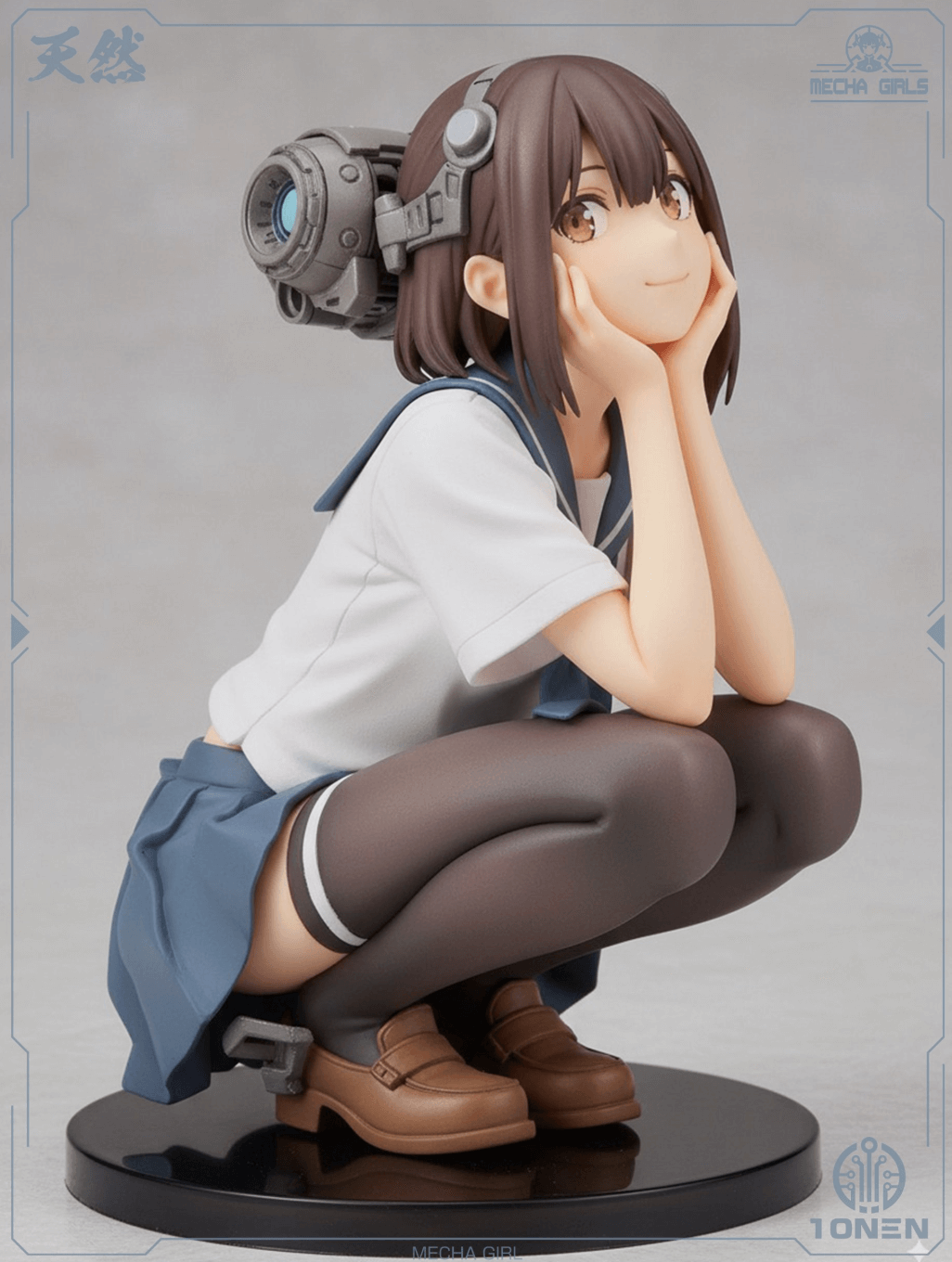
Mecha study — I wanted readable panel lines at a glance, not a soup of chrome. Third pass nailed the silhouette without me babysitting negative prompts.
Session note
Session sample
NanoBanana 3
Generate high-quality images from text and reference images. Built for iteration, with an API when you need to ship.
Sign in • 20 free credits
Try an example
Starter credits included
Fast generation
Instant feedback
20 free credits
Starter balance
No watermark
Clean exports
Gallery
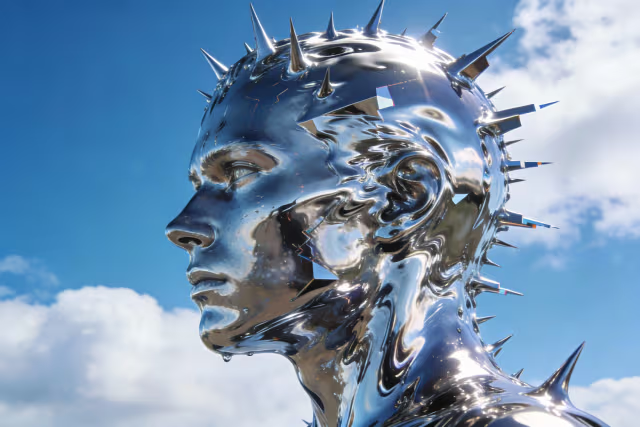
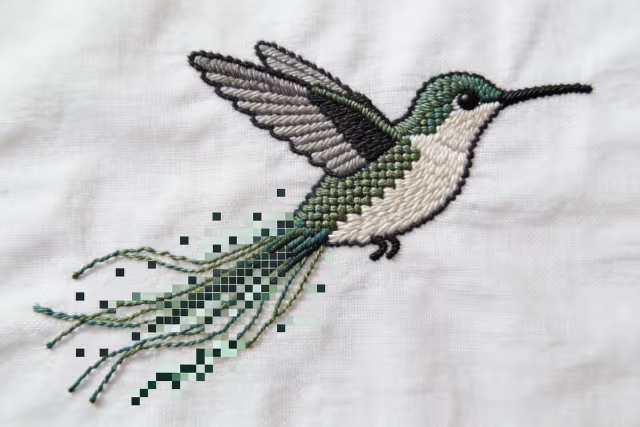
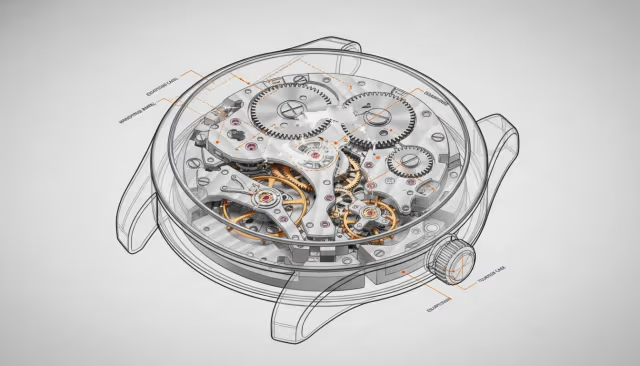
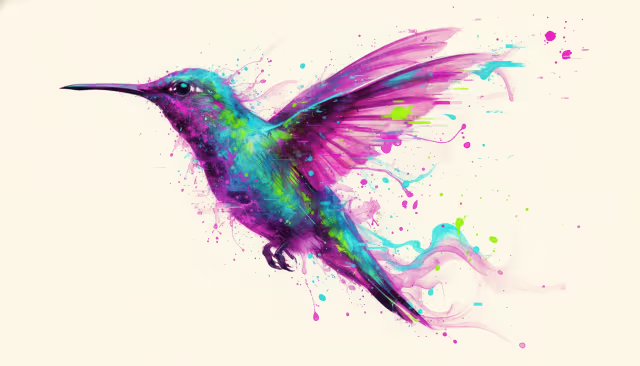
A sample of outputs from the model. Open the workspace to create your own.
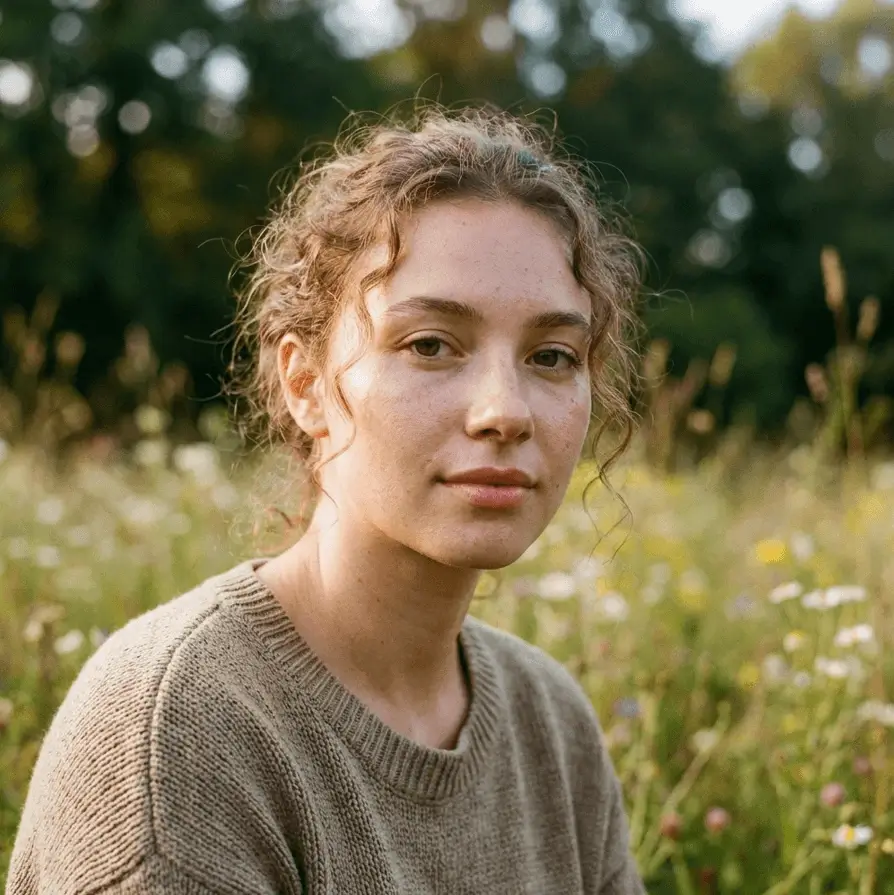
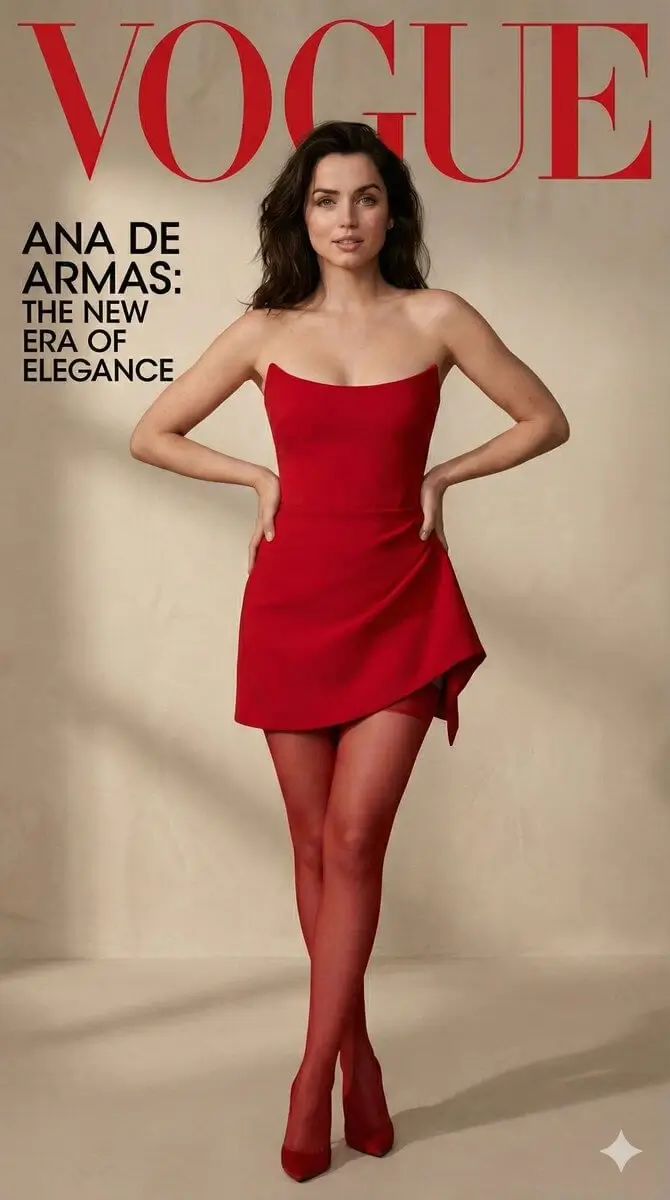
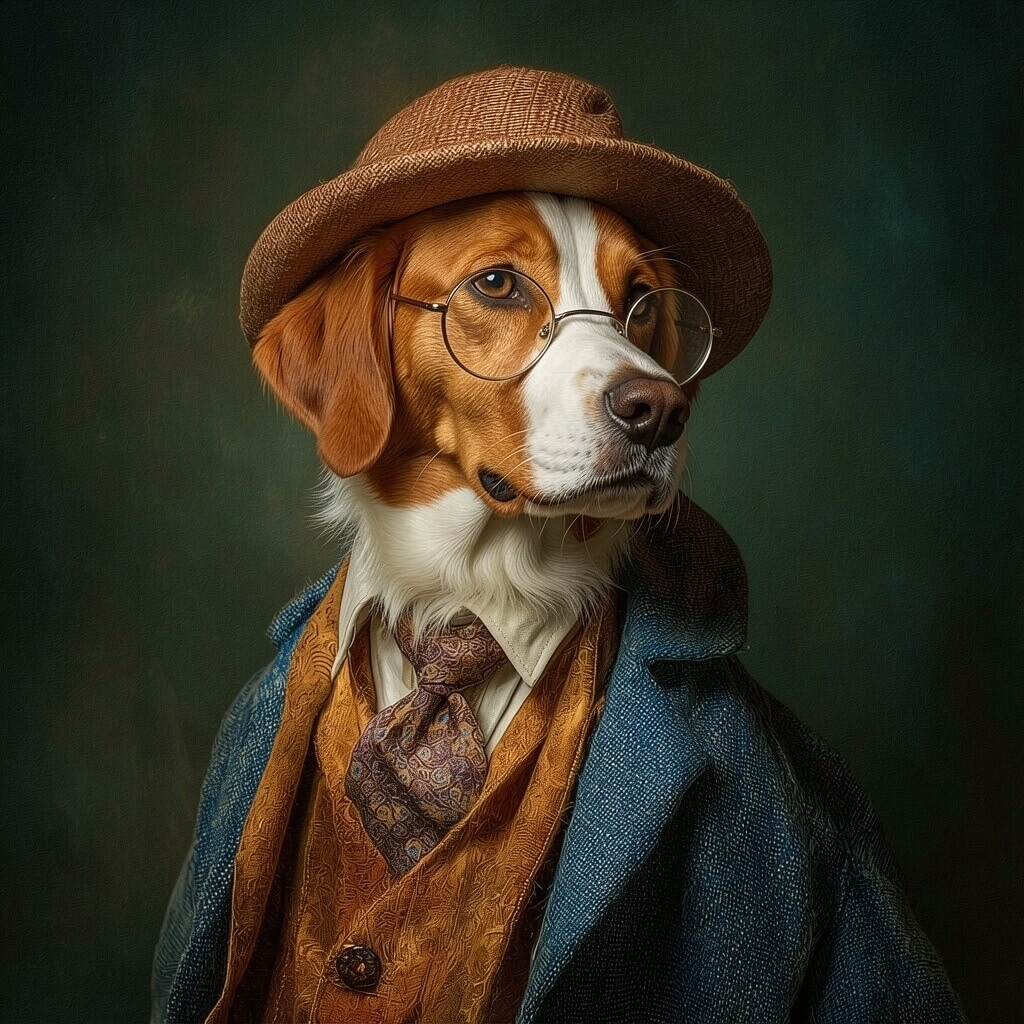
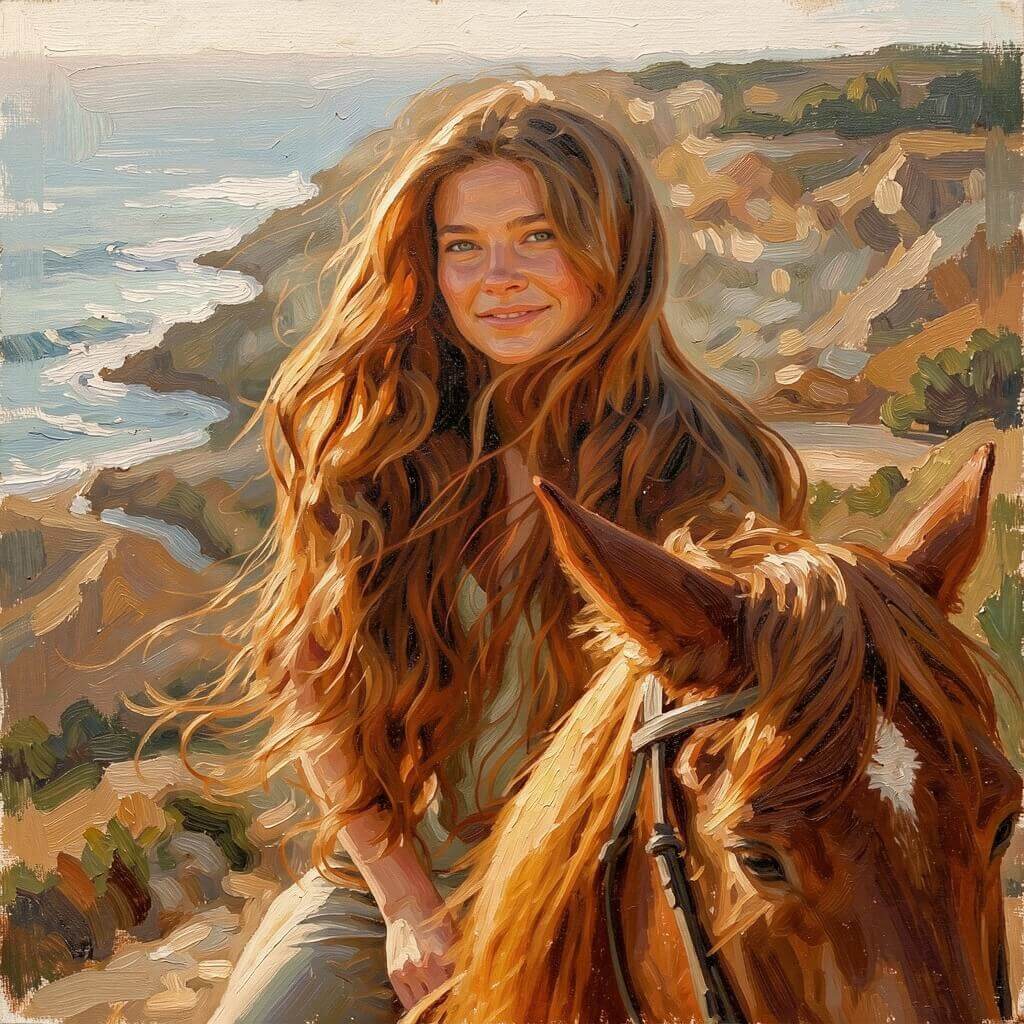
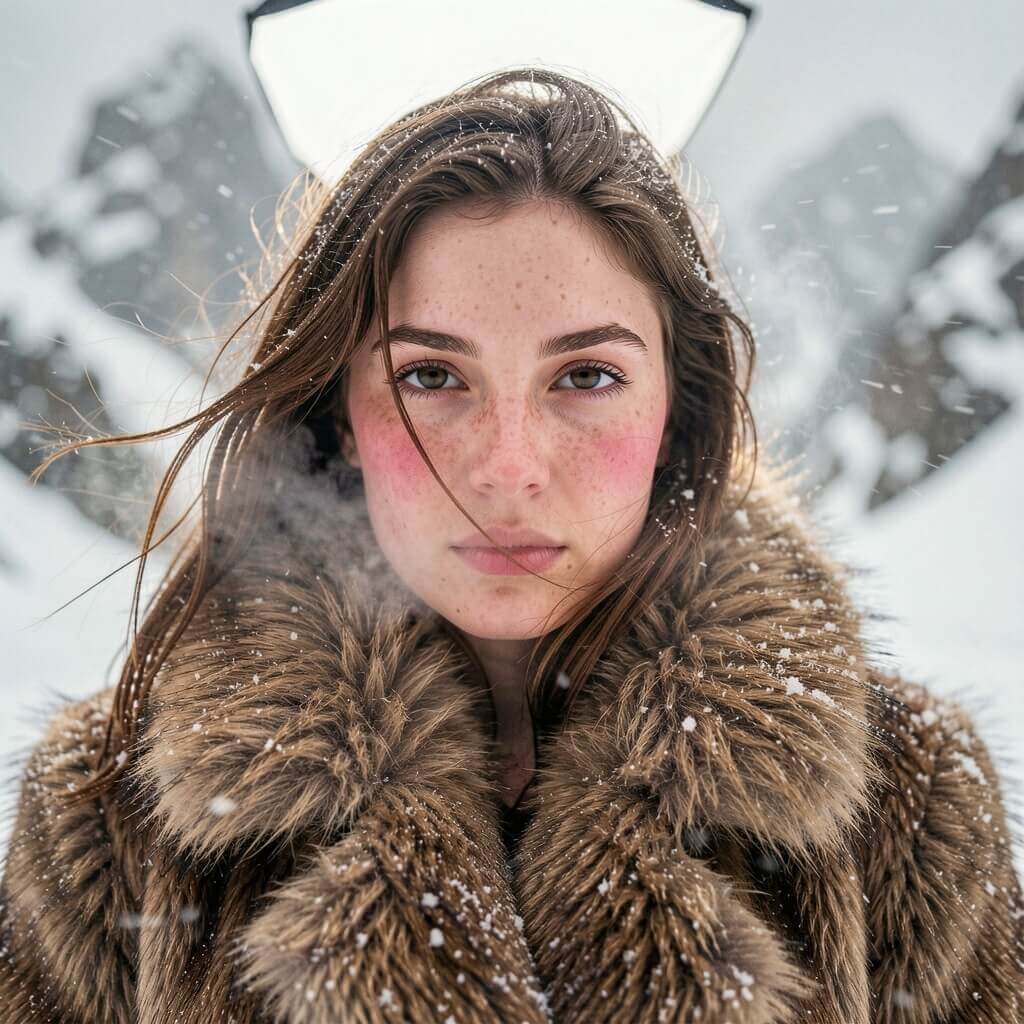
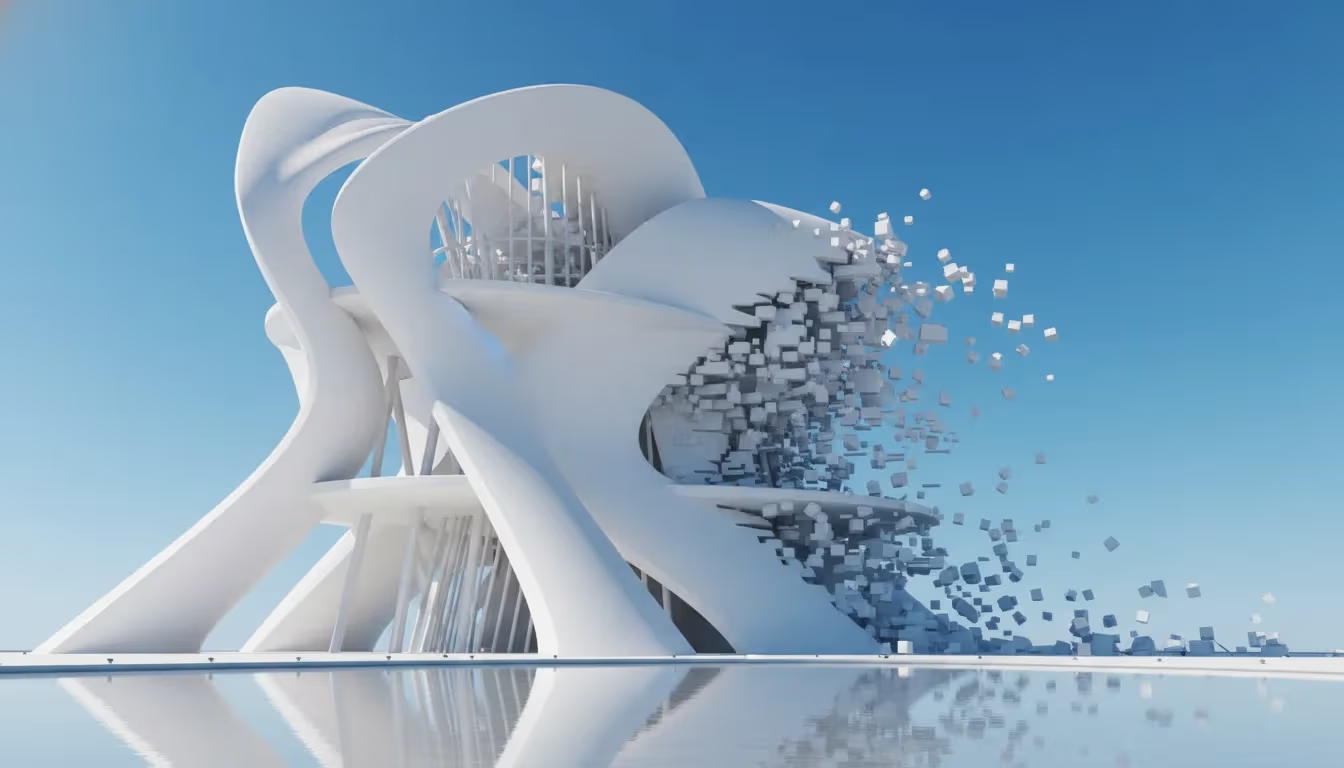
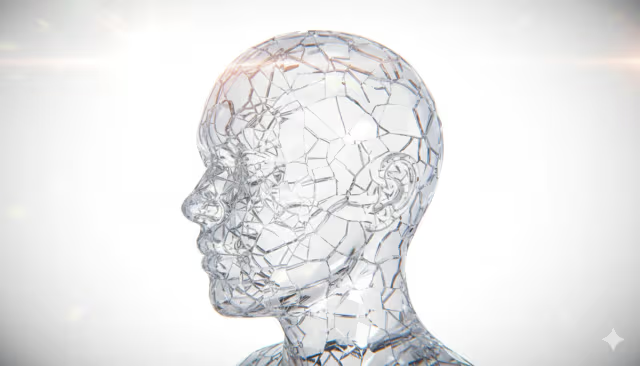
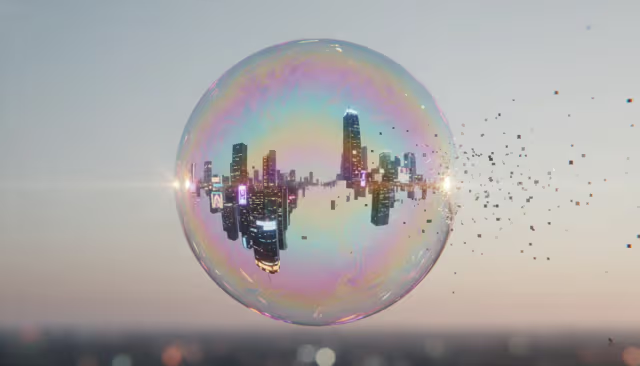
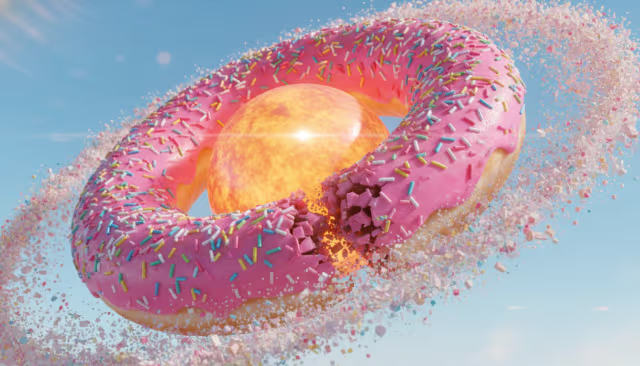
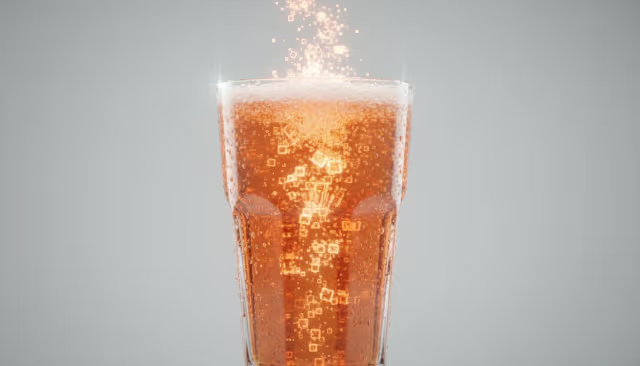
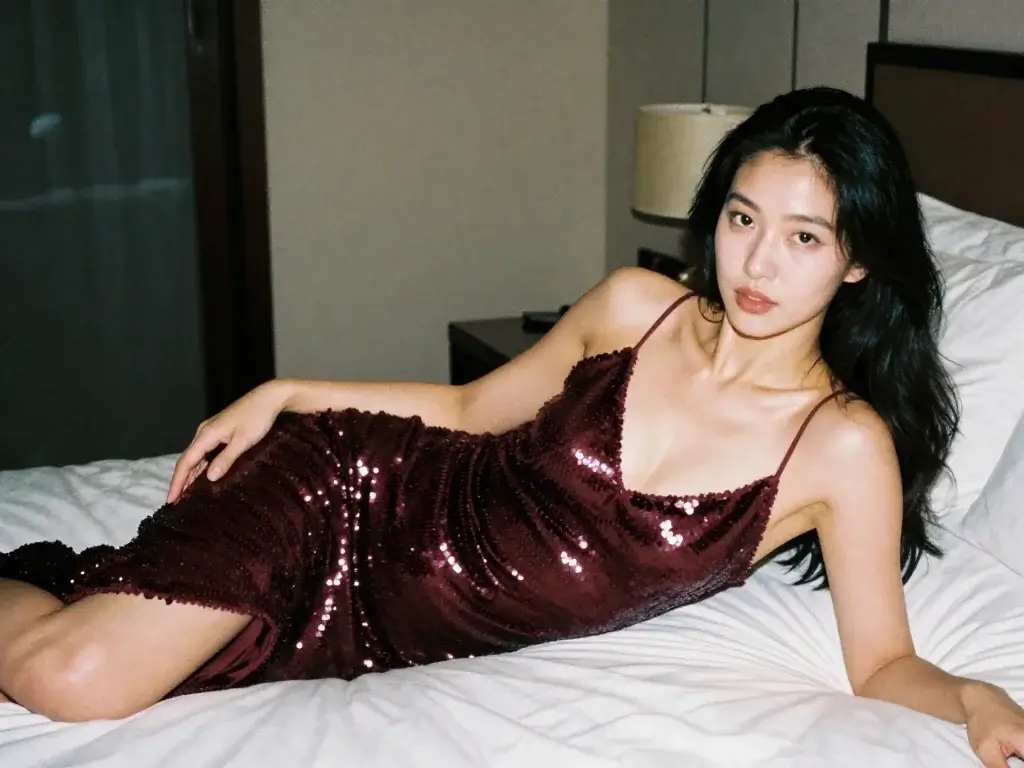
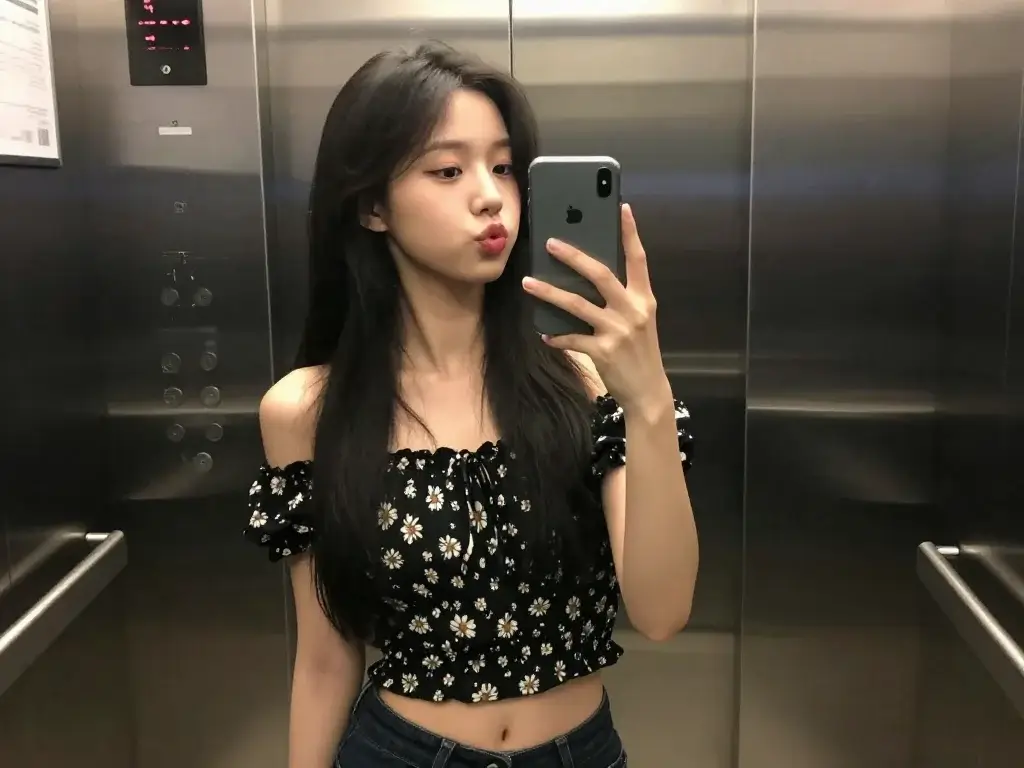
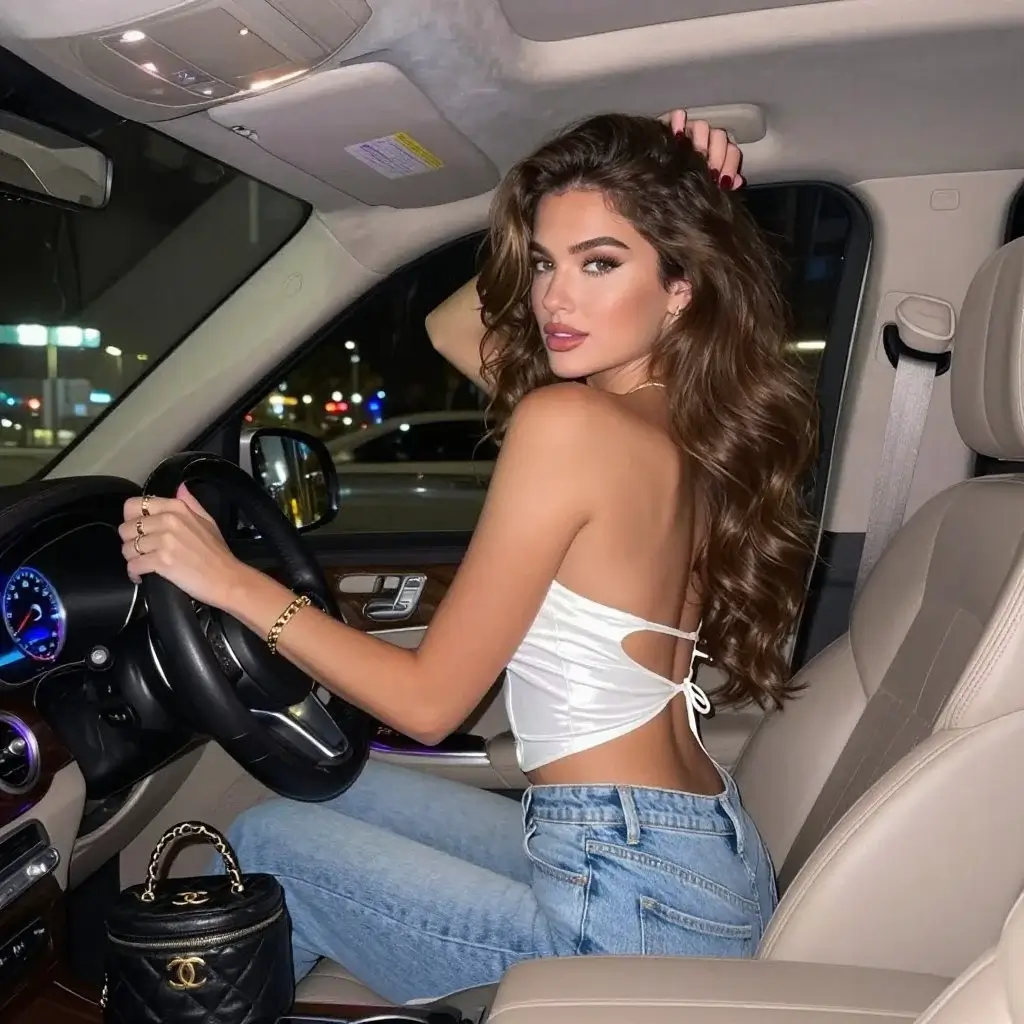
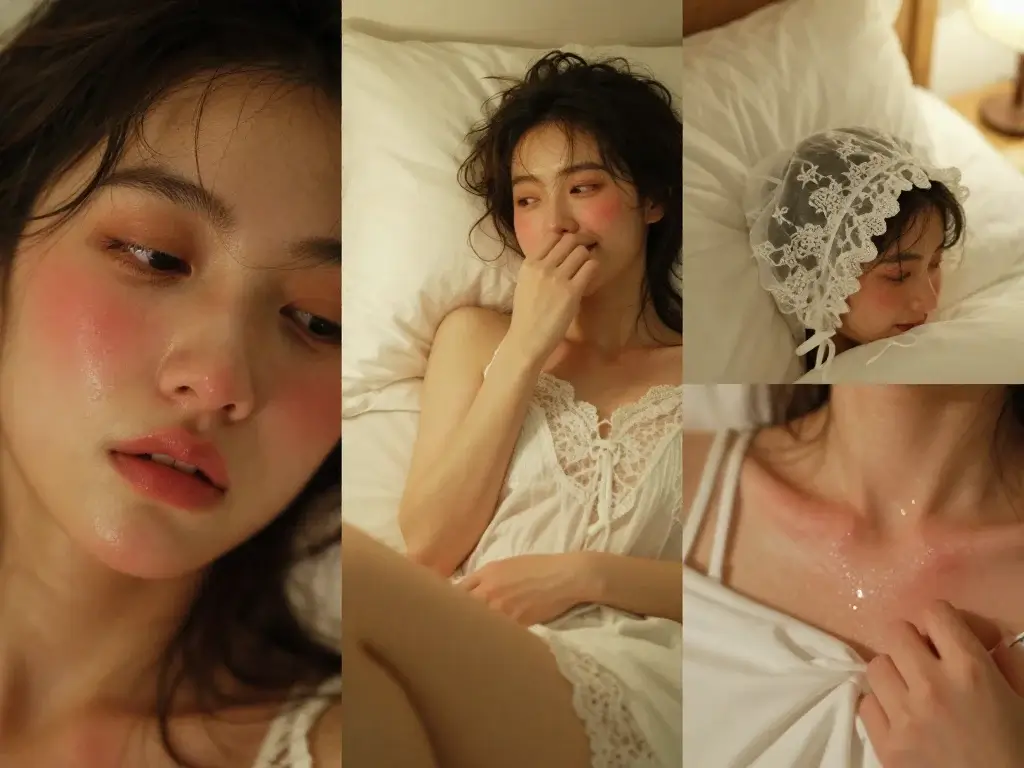
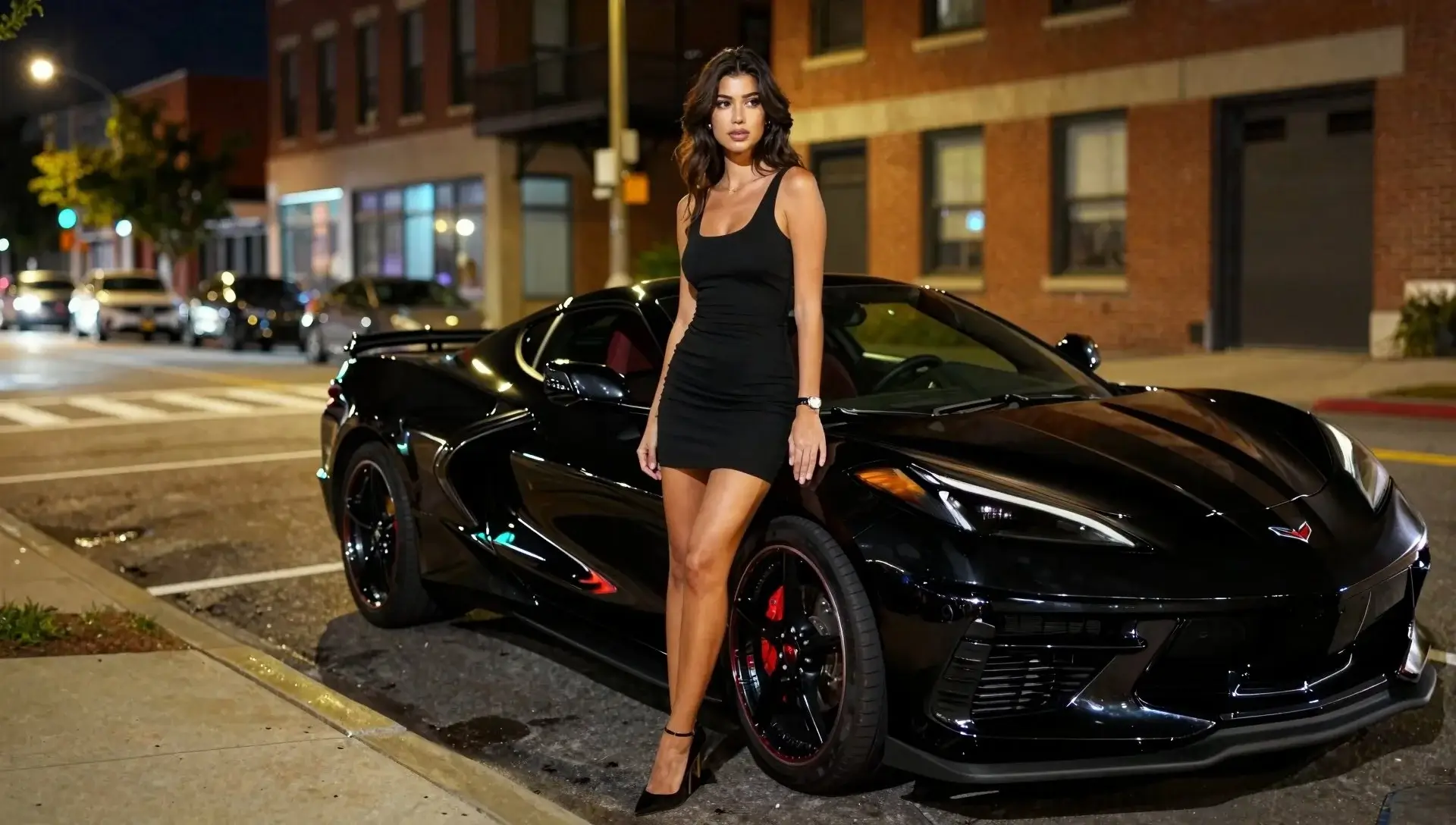
You are not here to wait on progress bars. The workflow is tuned so you can throw a prompt, react, tweak, and get another frame without leaving flow.
When you need posters, packaging shots, or key art, the model bias here is toward clean edges and coherent materials — not muddy mush that collapses at 100% zoom.
Lighter files where it matters, formats you can hand to a developer or drop into a CMS without a lecture about Lighthouse scores.
Start with plain words. When you want more precision, the same session can grow into structured edits instead of forcing you into a dozen toggles up front.
Same brief can fork into social crops, hero banners, and print-safe variants — the boring part is organizing outputs, not fighting the model.
Try on your own terms, then scale when a client or product actually depends on the output — no theatrical “unlimited” fine print on day one.
Three beats — write, generate, ship — without a tutorial video.
Start ugly. Name the subject, the light, the camera distance, the one thing that must not be wrong.
You get a frame back fast enough to compare mentally with what you wrote. Iterate on language before you touch advanced controls.
Pick a format that matches the surface — web, deck, print — then leave the tab. History is there when the client pings you.
Not every use case is glamorous — these are the ones that pay invoices.
Create stunning concept art, illustrations, and visual designs for any project.
Generate product mockups, lifestyle images, and visual content for your store.
Produce eye-catching visuals for campaigns, social media, and advertisements.
Design characters, environments, and assets for games and creative projects.
Examples of prompts and outcomes from the workspace.
Mecha study — I wanted readable panel lines at a glance, not a soup of chrome. Third pass nailed the silhouette without me babysitting negative prompts.
Session note
Session sample
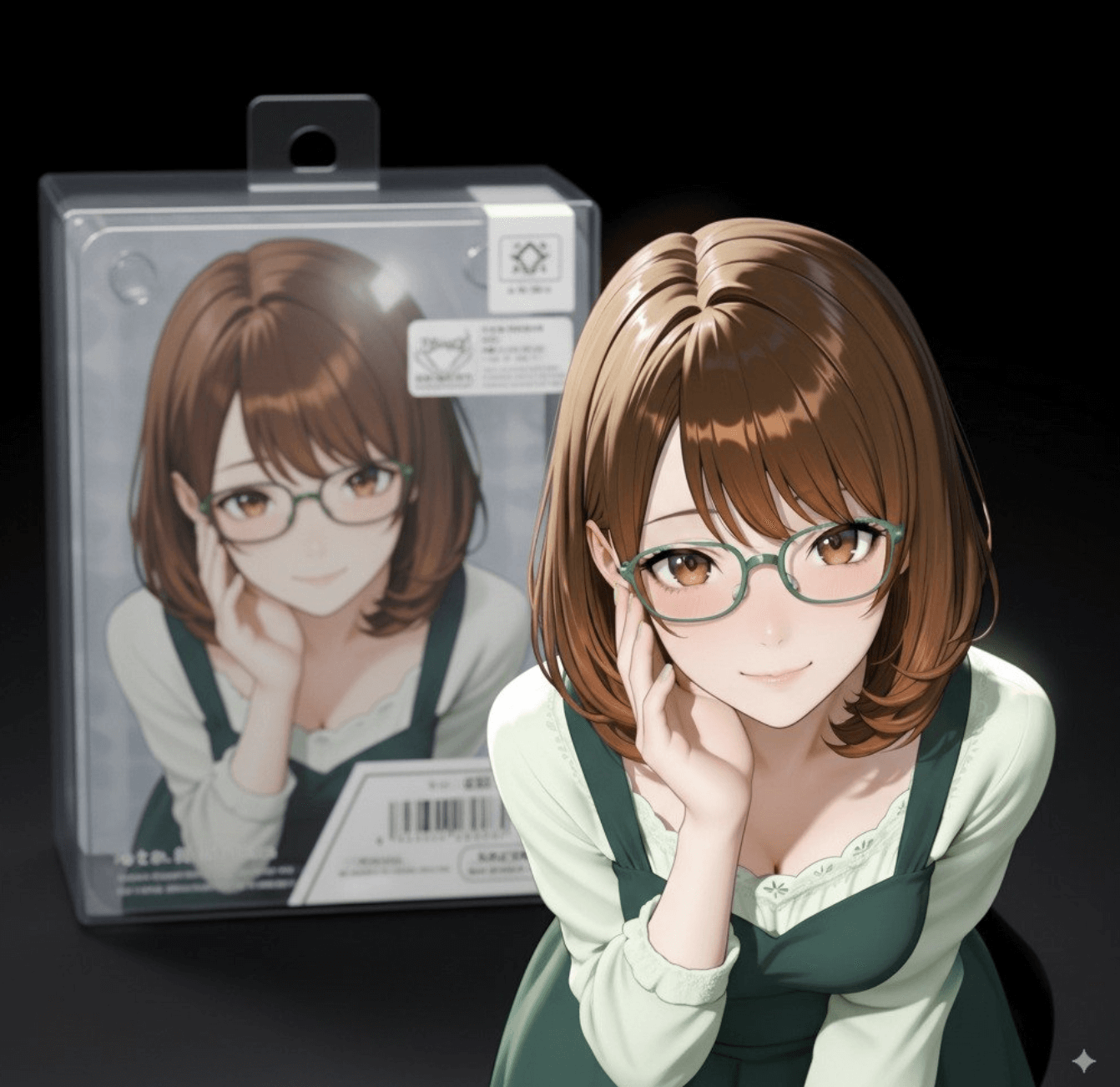
Packaging mock: one hero prop, one rim light recipe, one honest shadow. Handed the PNG to design review the same afternoon.
Session note
Session sample
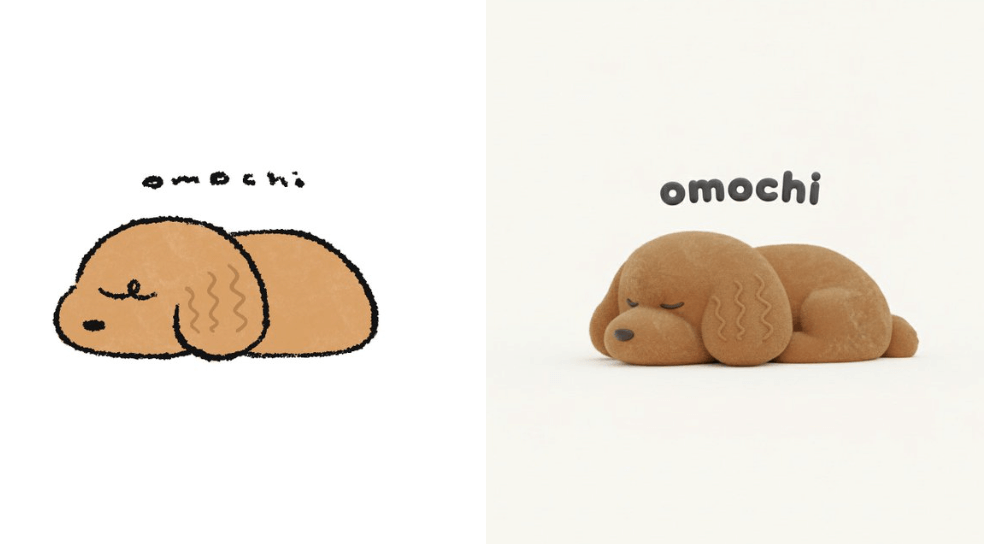
Turned a napkin sketch into a plush mock for a pitch. Not final fabric, but good enough to kill the “can AI even do soft goods?” question.
Session note
Session sample
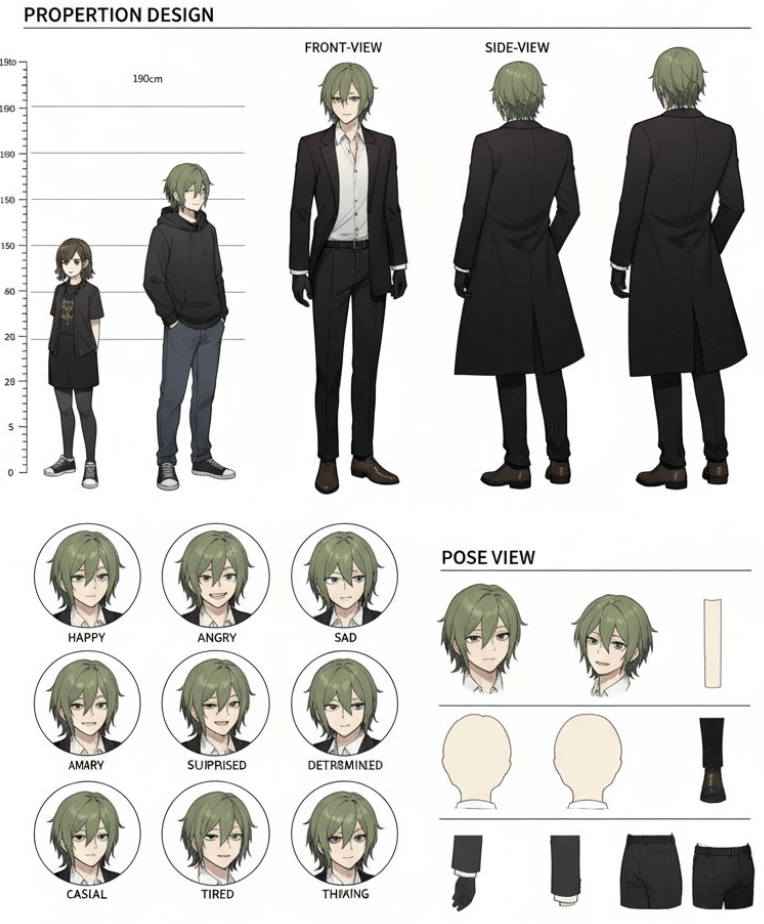
Character sheet for animation handoff — front/side/back, expression grid, no mystery layers. That is the bar.
Session note
Session sample
The stuff people actually ask before they trust a new generator with a client deadline.
Same family of tech can sit behind many skins. Here we bias the experience toward iteration: fewer gimmicks in the UI, clearer export paths, and copy that tells you what you are doing instead of buzzwords.
You can start from the hero prompt. Signing in unlocks history, billing, and higher caps — typical SaaS trade, but we do not hide the free line behind a maze of modals.
In most cases, yes for assets you generate here — still read the content policy and your local law. If you are shipping something sensitive, keep prompts and references clean and documented.
Then treat this site as the showroom. The docs path is linked in the nav; wire the same project key you use in the dashboard and keep environments separated.
Try the generator above, or open the workspace for full history and billing.